Access Control System Installation Done Right

A front door that still relies on a metal key can create more problems than most owners expect. Lost keys, former tenants with copies, doors propped open by staff, and no reliable event trail all add up fast. That is why access control system installation has become a practical upgrade for Los Angeles homes, offices, retail spaces, gated properties, and multi-tenant buildings that need better control without slowing people down.
The right system does more than lock and unlock a door. It tells you who entered, when they entered, which credentials are still active, and where your weak points are. When it is designed and installed correctly, it also reduces rekeying costs, supports life-safety requirements, and gives property owners a cleaner way to manage daily access.
What access control system installation actually includes
A lot of buyers picture a card reader on the wall and stop there. In reality, access control system installation is a low-voltage security project that ties together hardware, power, wiring, software, and door behavior.
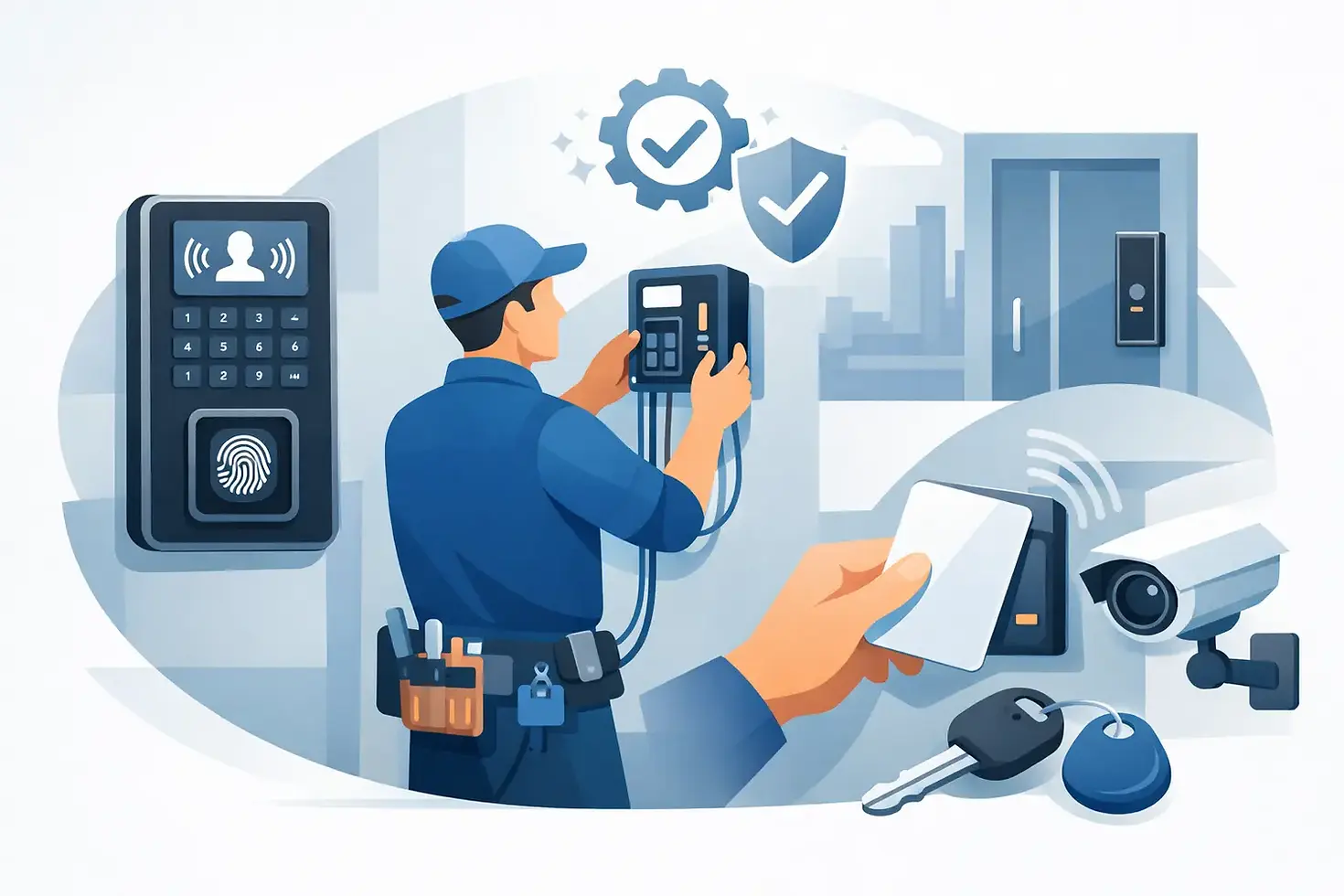
A typical system may include readers, electric strikes or magnetic locks, door position contacts, request-to-exit devices, credentials such as cards, fobs, PINs, or mobile access, and a controller that makes the decisions. Some sites also need intercom integration, gate control, elevator restrictions, camera tie-ins, or fire alarm release functions.
That is why the door matters as much as the electronics. The frame condition, latch type, door material, traffic volume, and egress requirements all affect what can be installed safely and legally. A glass storefront door, for example, is a different job from a hollow metal office door or a gated entry for a multifamily property.
Why planning matters before installation starts
The biggest mistakes in access control usually happen before the first wire is pulled. A system can have good hardware and still underperform if the layout is rushed or the user rules are unclear.
Start with the basics. Which doors actually need control? Who needs access by schedule, by role, or by exception? Do you need a simple standalone setup for one entry or a networked system across multiple buildings? These questions shape the hardware, the wiring path, and the software setup.
Future growth matters too. Many owners ask for one or two controlled doors and then realize six months later that they also want storage rooms, side entries, parking gates, or tenant common areas included. A scalable design avoids tearing into finished walls twice or replacing a controller that was undersized from day one.
For commercial properties, planning also means looking at reporting. Some managers need basic event logs. Others need audit trails by user, door-held-open alerts, lockdown capability, or credentials tied to employee turnover. The right setup depends on how the building operates, not just how the door looks.
Choosing the right hardware for the opening
There is no single best locking method for every property. It depends on security goals, code requirements, traffic patterns, and the condition of the existing door.
Electric strikes are common when you want the existing mechanical lockset to work with electrified release. They can be a good fit for many commercial doors, but door alignment and frame prep need to be right. Maglocks are sometimes chosen for specific openings because they are straightforward to mount and deliver strong holding force, but they require proper release devices and life-safety compliance. If those details are missed, you create a problem instead of solving one.
Credential choice also deserves more thought than people expect. Keycards and fobs are familiar and easy to issue. PINs avoid physical credentials but can be shared too easily if policies are loose. Mobile credentials are convenient and popular with apartment and office users, but they depend on user adoption and app support. In higher-security environments, combining methods makes sense.
Wiring and power are where quality shows
A clean reader on the wall does not tell you much about the quality of the install. The real difference is usually behind the scenes - cable routing, power management, terminations, labeling, controller placement, surge protection, and room for future service.
Poor low-voltage work creates nuisance issues that waste time and money. Doors fail intermittently. Readers drop offline. Power supplies overheat. Troubleshooting becomes guesswork because nothing is labeled and no one documented the field devices properly.
Professional installation should account for cable distance, voltage drop, backup power, and secure enclosure placement. It should also respect the building finish. In occupied homes, offices, and multifamily properties, the goal is not just function. It is a neat, durable result that supports long-term service.
This is one area where experience matters. A fast install is useful only if the system stays reliable after the crew leaves.
Access control and life-safety have to work together
One of the most misunderstood parts of access control system installation is code compliance. Security cannot interfere with safe egress or emergency operation. That is not optional.
If a door is part of an exit path, the hardware and release method must be selected and installed correctly. In many cases, the access control system also needs to coordinate with the fire alarm system so doors release as required during an alarm condition. The exact requirements depend on the occupancy, door location, local authority having jurisdiction, and applicable codes.
This is where a lot of low-cost proposals fall apart. Some bids look attractive because they skip the hard parts - proper release hardware, fire interface, door condition corrections, or the labor needed to make everything operate as intended. That can lead to failed inspections, unsafe openings, or expensive rework later.
For owners and managers, the practical takeaway is simple. Security upgrades should strengthen control without creating liability.
Residential and commercial installs are not the same job
Homeowners usually want convenience and visibility along with security. They may want to manage a gate, front door, or side entry from a phone, create temporary codes for guests or service providers, and pair the system with cameras or an alarm. The best residential setups feel easy to use and do not require constant troubleshooting.
Commercial and multifamily properties usually need more structure. Staff turnover, delivery access, after-hours entry, tenant management, and audit reporting all become part of the conversation. A retail store may need back-door control and employee schedules. An office may want role-based permissions and after-hours reports. A property manager may need a solution that handles common areas, gates, and maintenance vendors across several locations.
The hardware may overlap, but the design priorities do not. That is why a useful site walk and real operational questions matter more than a generic package.
What to expect during the installation process
A well-run project starts with an on-site assessment. That includes reviewing each opening, confirming how the door functions now, checking power and cable pathways, and identifying code or structural issues before work begins.
From there, the installer should define the scope clearly. Which doors are being controlled, what credentials will be used, how the system will be managed, what reporting features are included, and whether there are integration points with cameras, alarms, gates, or intercoms. This avoids the common problem of one side expecting a complete system while the other side priced a partial one.
Installation itself may involve mounting readers, electrifying the lock hardware, running and terminating cable, placing the controller and power supply, programming user permissions, and testing every function under normal and emergency conditions. Good commissioning includes more than making a badge work once. It means checking door position, release timing, forced-door alarms, backup power behavior, and user management settings.
Training matters too. The system should be simple enough for the owner, manager, or office staff to use confidently. If adding or removing a credential feels complicated, the system is not really finished.
Common problems after installation and how to avoid them
Most post-install issues come from poor planning, poor door prep, or poor service support. A sagging door can make good hardware look bad. Weak Wi-Fi can affect cloud-managed features. Shared admin access can create confusion over who changed schedules or deleted users.
The fix is not always replacing equipment. Sometimes the real solution is adjusting the opening, cleaning up permissions, updating firmware, replacing a failing power supply, or correcting a wiring fault that should have been caught earlier. That service mindset matters. Clients need someone who can diagnose the problem quickly instead of pushing unnecessary upgrades.
For Los Angeles properties where fast response matters, ongoing support is part of the value. A controlled door that is stuck unlocked or locked out of schedule is not a minor inconvenience. It affects security, tenant experience, and daily operations.
When access control is worth the investment
If you are constantly rekeying, relying on shared keys, managing tenant turnover, or guessing who entered after hours, access control usually pays for itself in control and visibility. It is also worth serious consideration if you want to integrate doors with cameras, alarms, gates, or mobile management.
That said, not every property needs an enterprise platform. Some need one dependable controlled entry with simple credential management. Others need a layered system that can grow across multiple doors and buildings. The right answer depends on risk, traffic, budget, and how the property is actually used.
A good installer will tell you where to spend, where to keep it simple, and what should be fixed before electronics are added. That practical approach is what turns a door upgrade into a reliable security system.
When access matters every day, the best installation is the one that works cleanly, fits the building, and stays dependable long after the first badge is issued.


